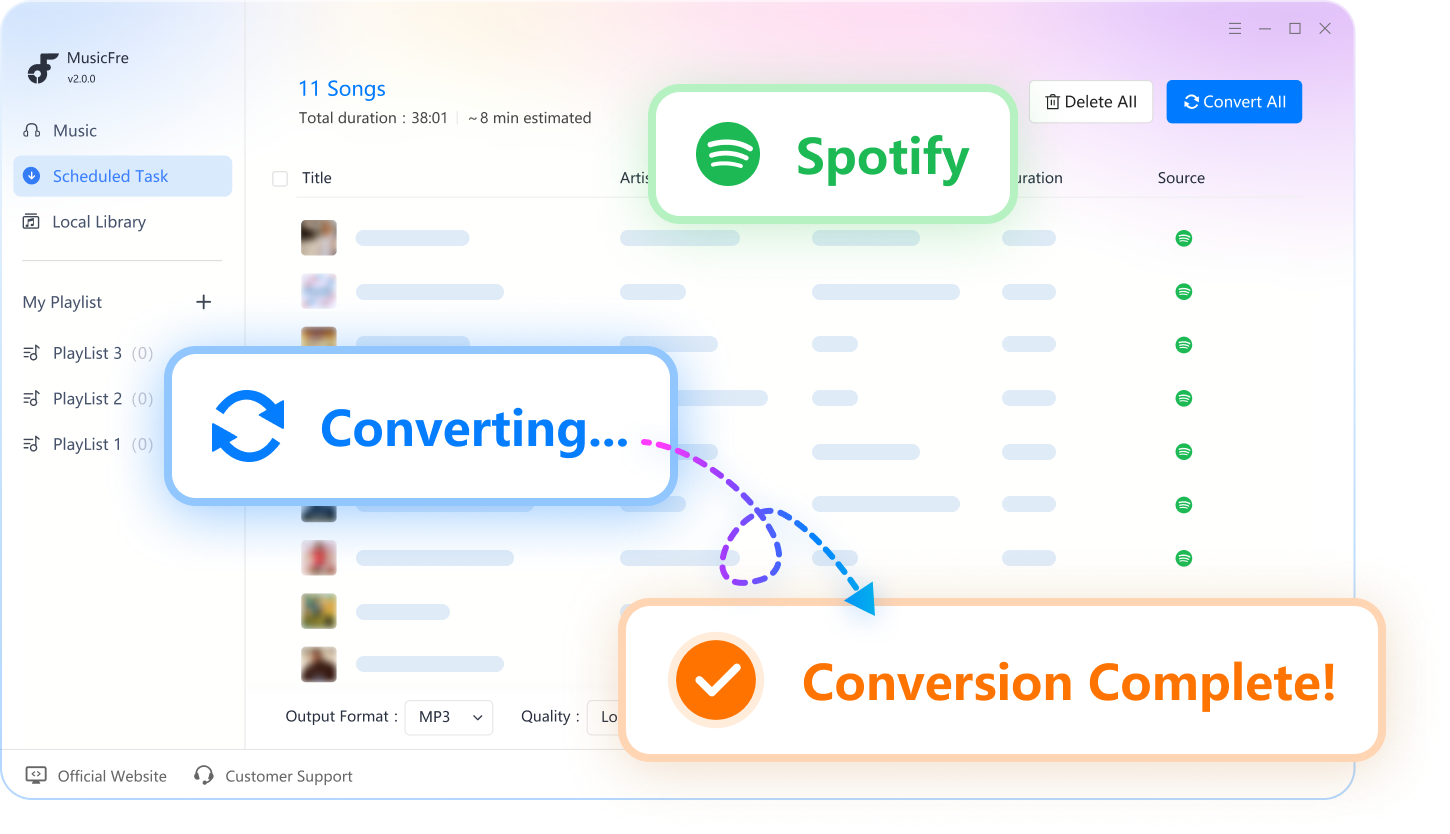
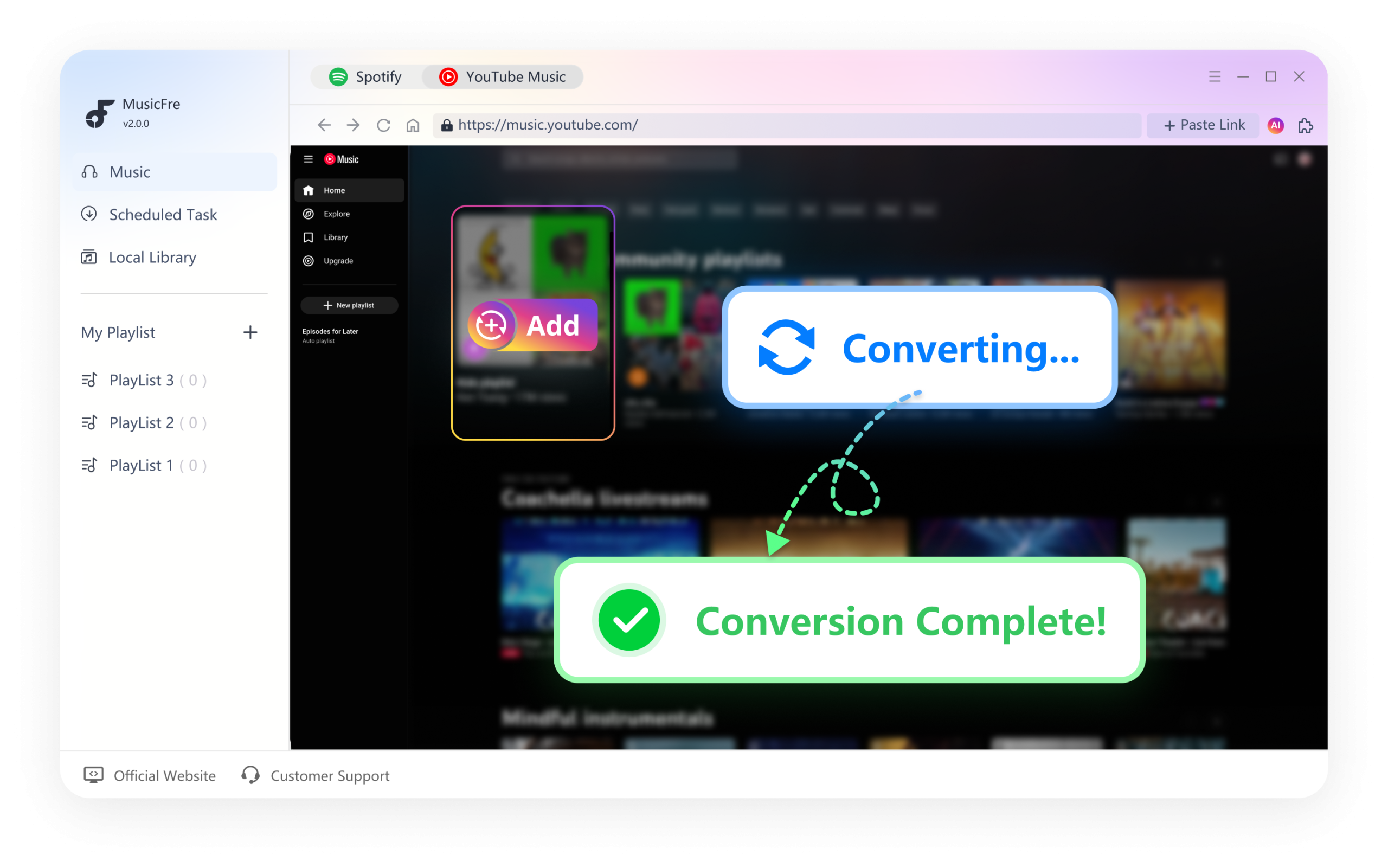
A completely free tool to convert DRM-protected audio from YouTube, Spotify, Tidal, Amazon Music, and other streaming services into MP3, FLAC, AAC, and more.
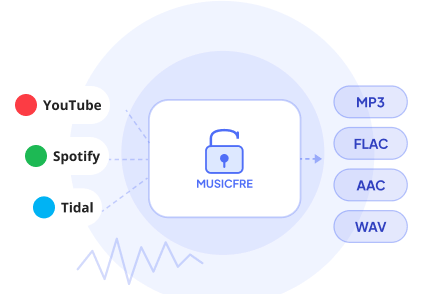
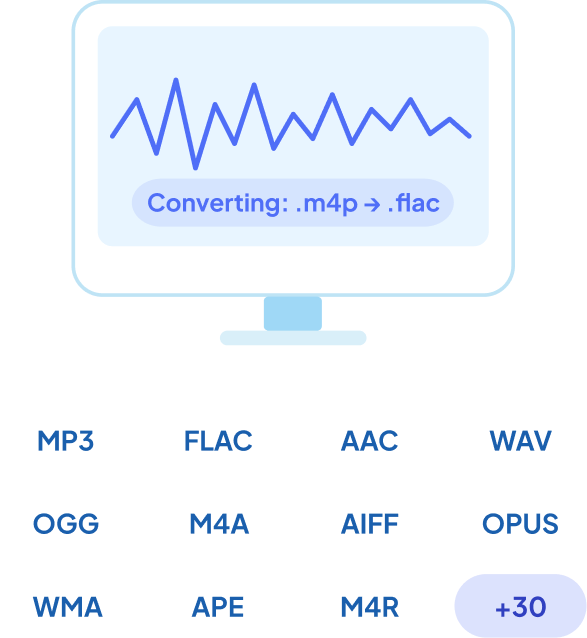
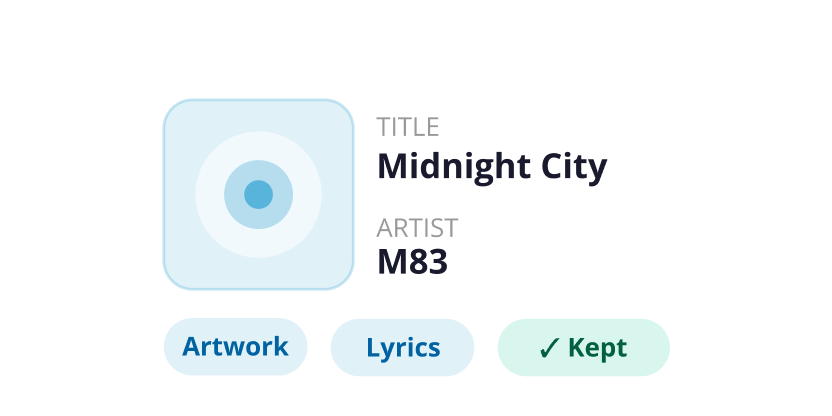
All ID3 tags, album artwork, lyrics, artist info, genre, and track numbers are carried through every conversion – no manual re-tagging needed.
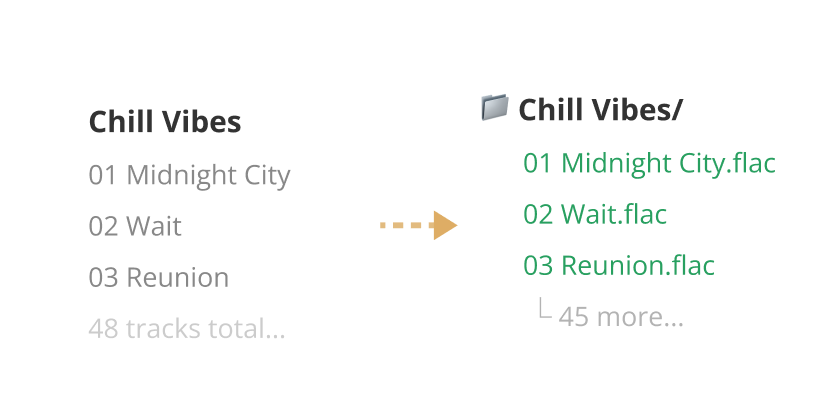
Export entire YouTube Music or Spotify playlists in one click. MusicFre converts every track and organises the output into matching folders automatically.
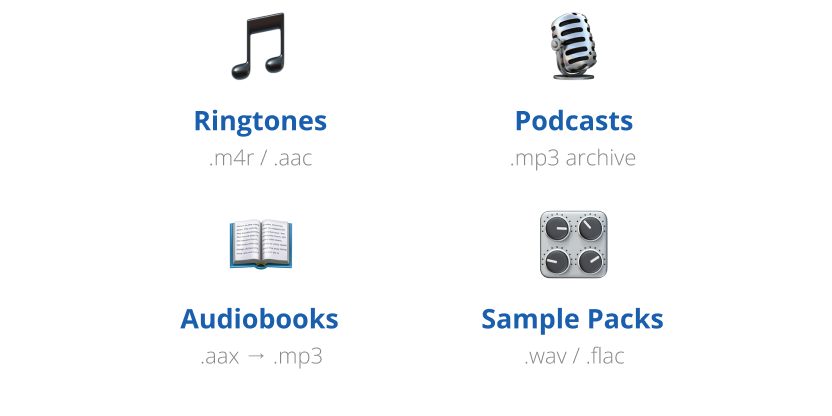
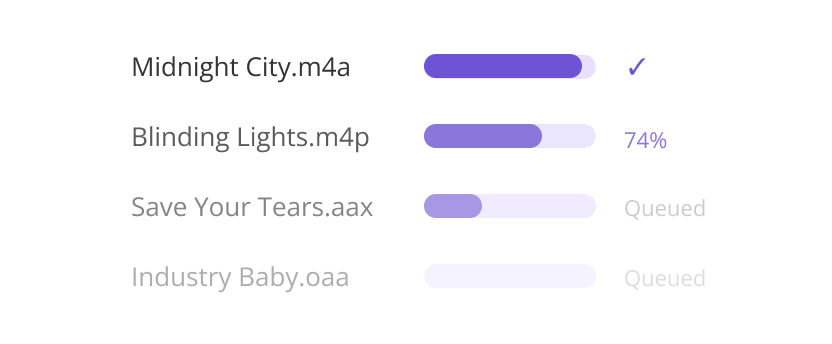
Converting audio from Spotify or YouTube for editing can be time-consuming. Our tool simplifies batch audio conversion, allowing you to extract and convert tracks to MP3, WAV, and more without losing quality. It is perfect for music editing, remixing, and content production.
Follow 3 easy steps to convert Spotify music to MP3, FLAC, WAV, and more for offline listening on any device.
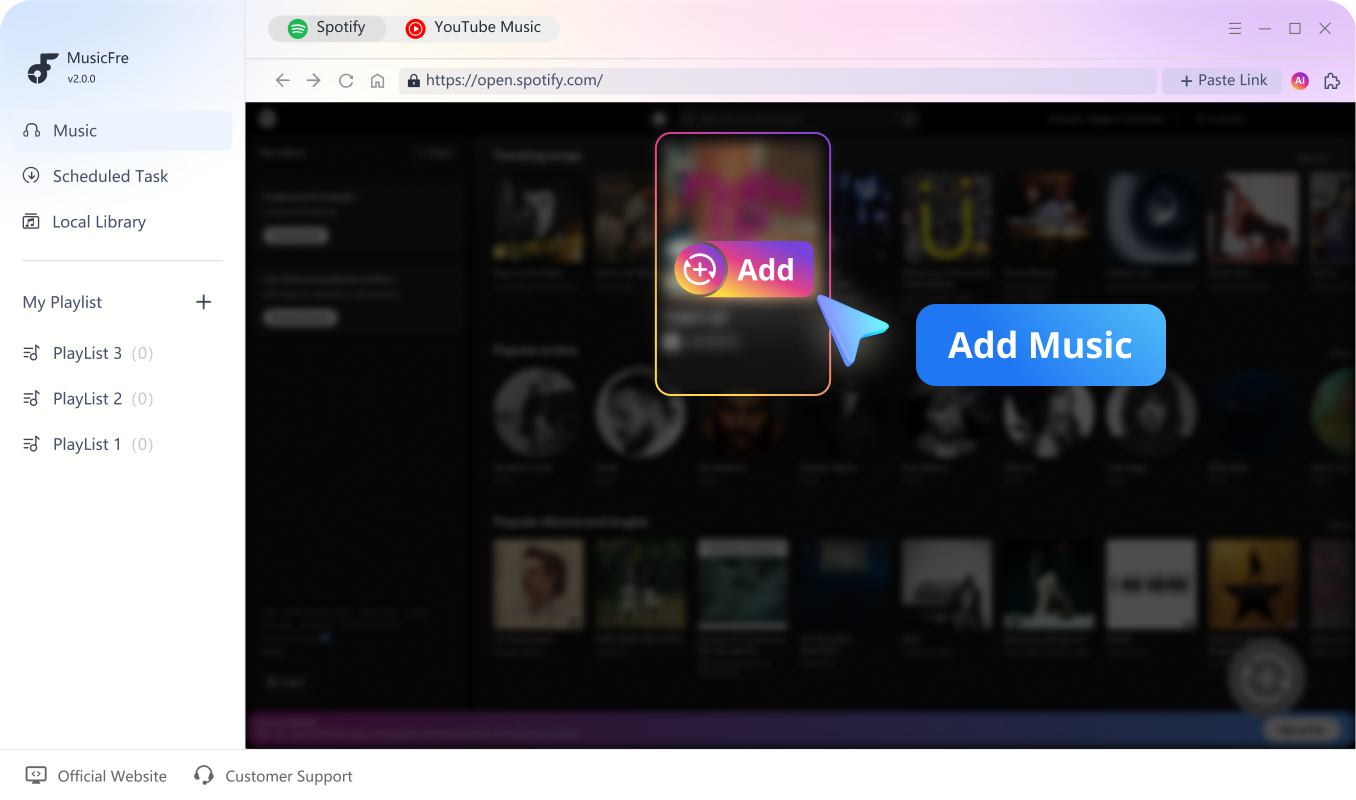
Launch MusicFre and open the Spotify interface. Choose the songs you want to convert, then click "+" to analyze them.
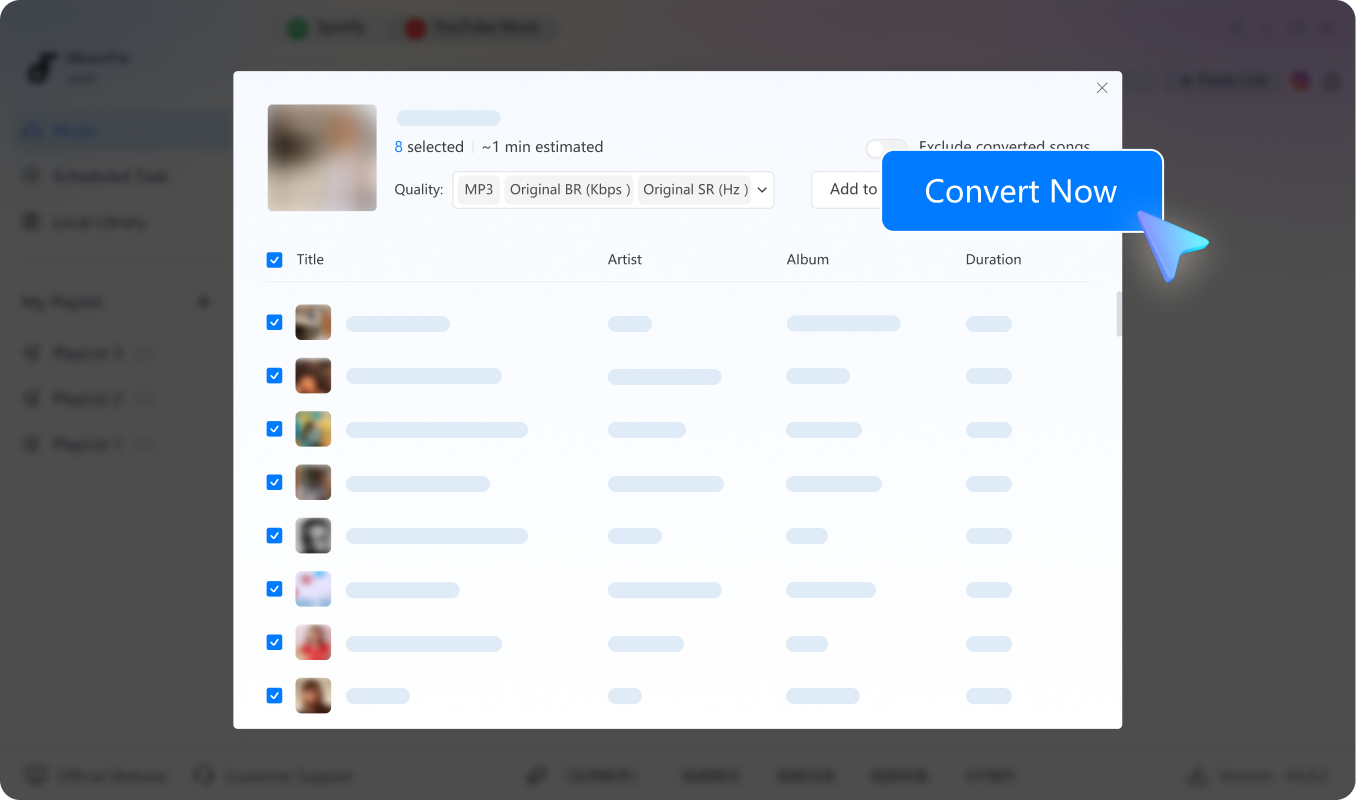
Once the analysis is complete, your songs will appear in the list. Click "Convert Now" in the upper-right corner to start converting.
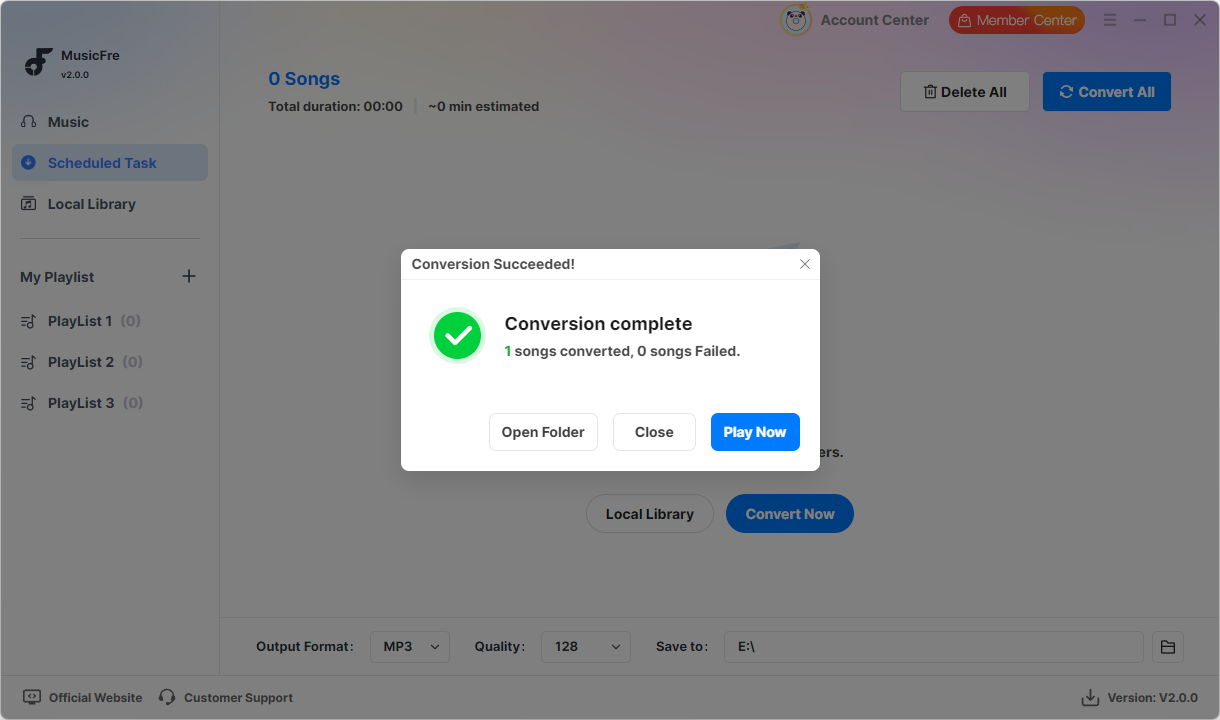
After the conversion is finished, a pop-up window will appear. Click "Play Now" to enjoy the converted songs on your PC.
Join thousands of satisfied users who trust MusicFre
Everything you need to know about MusicFre
Yes. MusicFre is safe to download and use when you install it from the official MusicFre website. It is designed as a desktop music converter and does not contain bundled malware, hidden plug-ins, or unnecessary third-party programs.
Currently, MusicFre supports Spotify and YouTube Music. You can use MusicFre to convert songs, playlists, albums, and podcasts from these two platforms into common audio formats for offline listening.
MusicFre supports multiple output formats, including MP3, WAV, FLAC, AAC, M4A, and other commonly used audio formats. You can choose the format based on your playback device or personal needs.
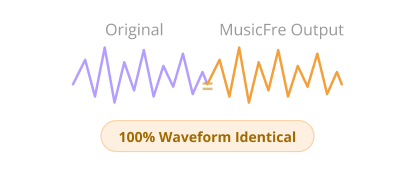
MusicFre is designed to preserve clear audio quality during conversion. You can also choose higher-quality formats like FLAC or WAV if you want better sound performance.
Absolutely. If you encounter any issues while using the free version, please contact us with the problem details. Our support team will help you check the issue and provide further assistance.

Latest music converter to download music and podcasts from online streaming services. Start your free trial today and experience the difference.


 中文 (台灣)
  日本語
日本語  한국어
한국어  Italiano
  Français
  Português
  Español