MusicFre

Spotify Music Converter

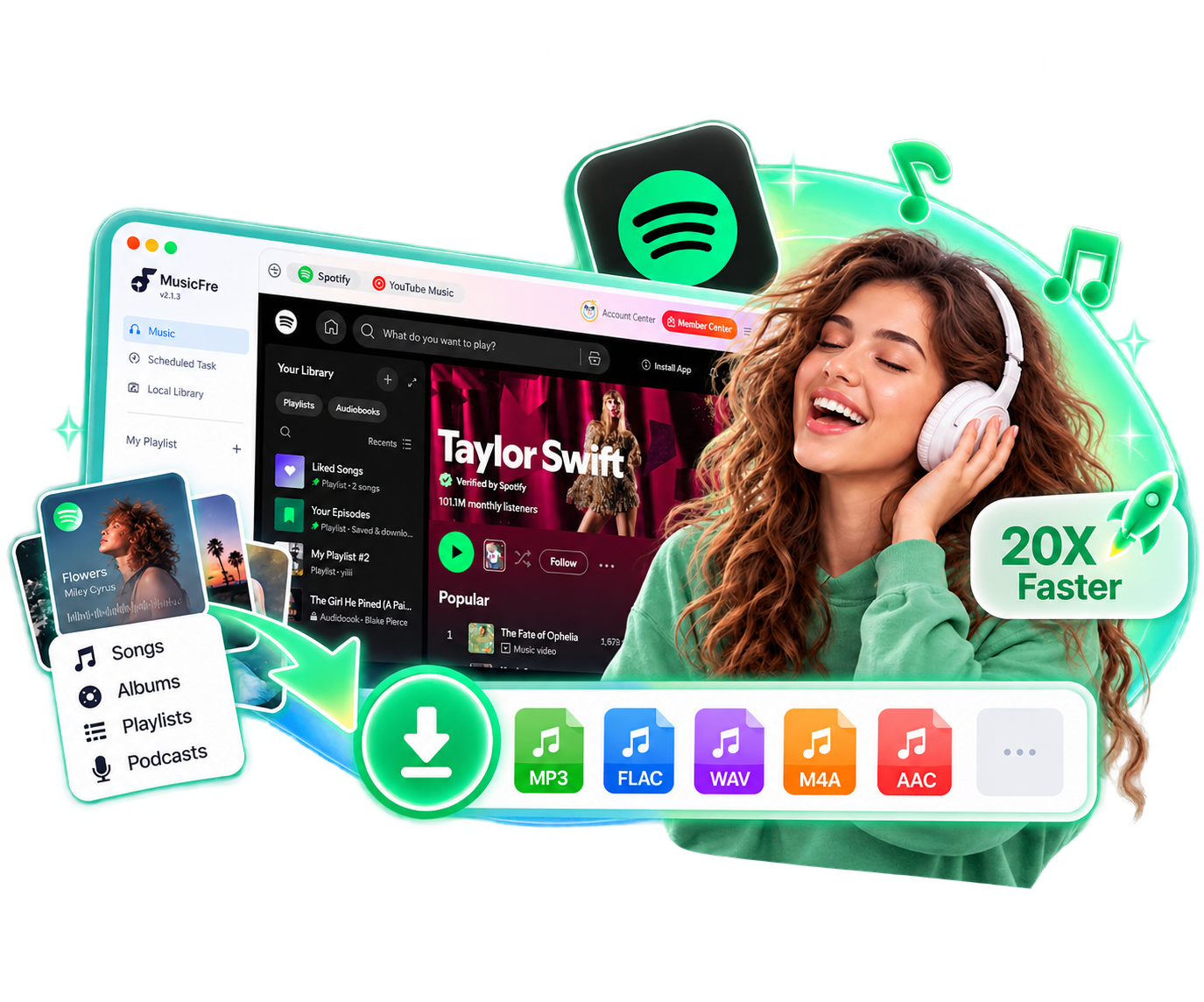
An easy-to-use Spotify music converter that saves songs, playlists, albums, and podcasts as high-quality audio files for offline listening anytime, anywhere.

  • Download Spotify songs, albums, playlists, podcasts, and more.
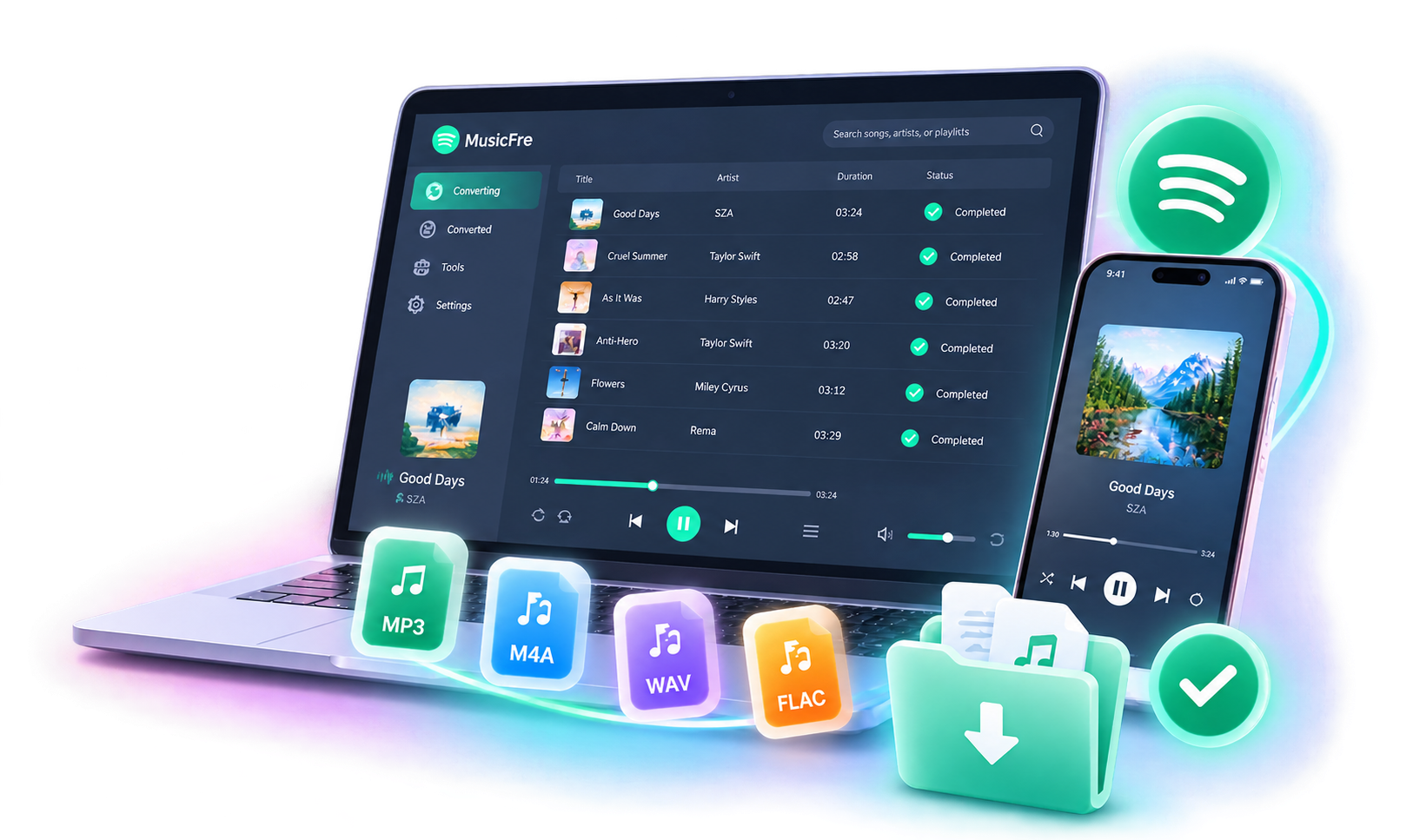
  • Export Spotify music to MP3, FLAC, WAV, M4A, AAC, AIFF, etc.
  • Convert Spotify tracks in batch at 20X faster speed.
  • Keep original audio quality with all ID3 tags intact.
  • Works with both Spotify Free and Premium accounts.
  • Enjoy a cleaner Spotify experience without ads or pop-ups.

Note: MusicFre is intended for personal, non-commercial use only.

MusicFre Spotify Music Converter

Best Spotify Songs Downloader for Music Lovers

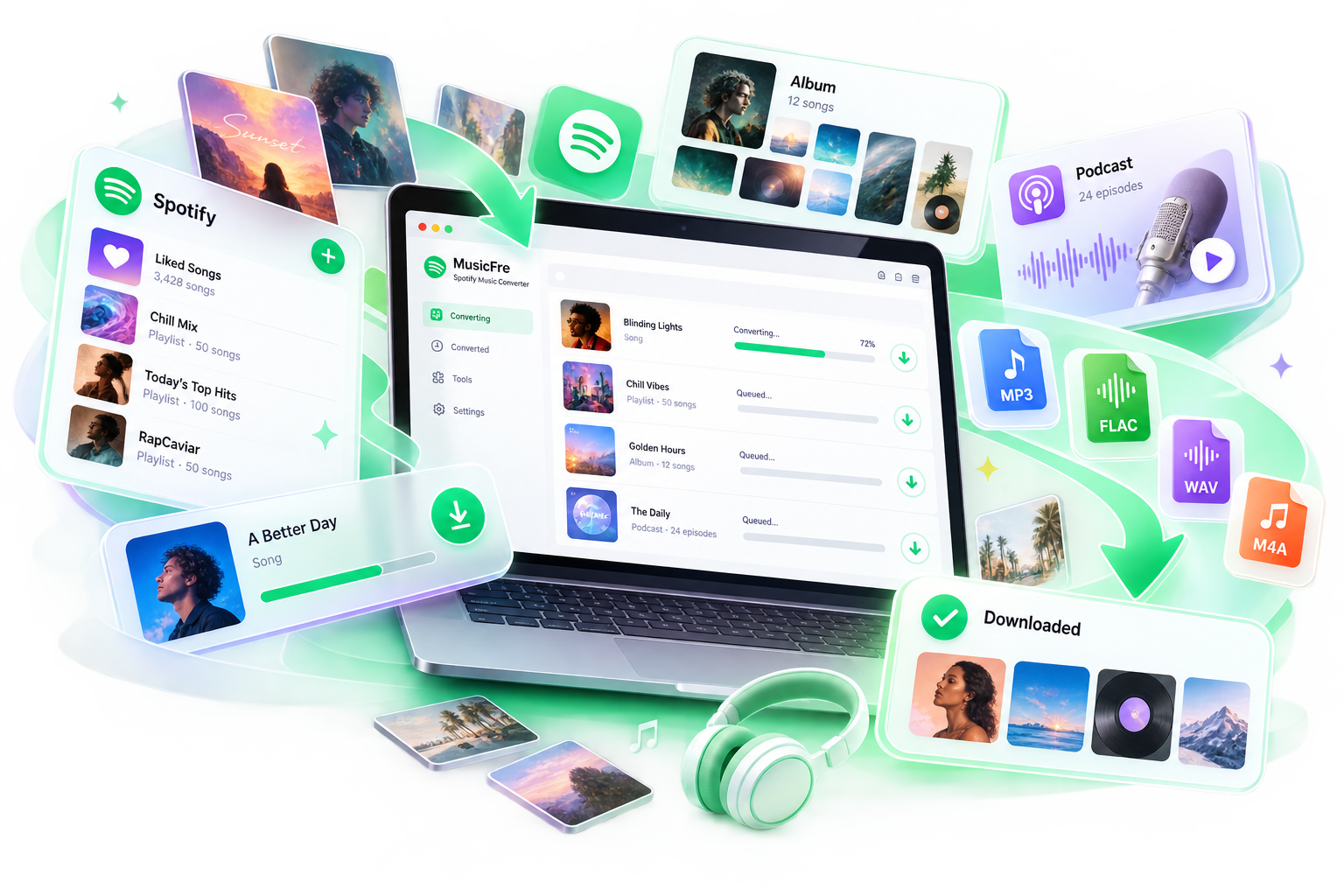
Download Songs, Playlists, Albums, and Podcasts from Spotify

Download Songs, Playlists, Albums, and Podcasts from Spotify

Whether you’re collecting new releases, preparing a travel playlist, or catching up on a podcast series, MusicFre makes it easy to download Spotify music to your computer. Save songs, albums, playlists, and podcast episodes as local audio files, ready for offline listening whenever you need them.

From a single favorite track to a full playlist, MusicFre gives you a simple way to save the Spotify content you want. Keep your favorite music ready for your commute, road trips, workouts, or any moment when you want to listen without an internet connection.


 

Save Spotify Music in Popular Formats at High Quality

Choose the Right Format for Your Needs

Choose the Right Format for Your Needs

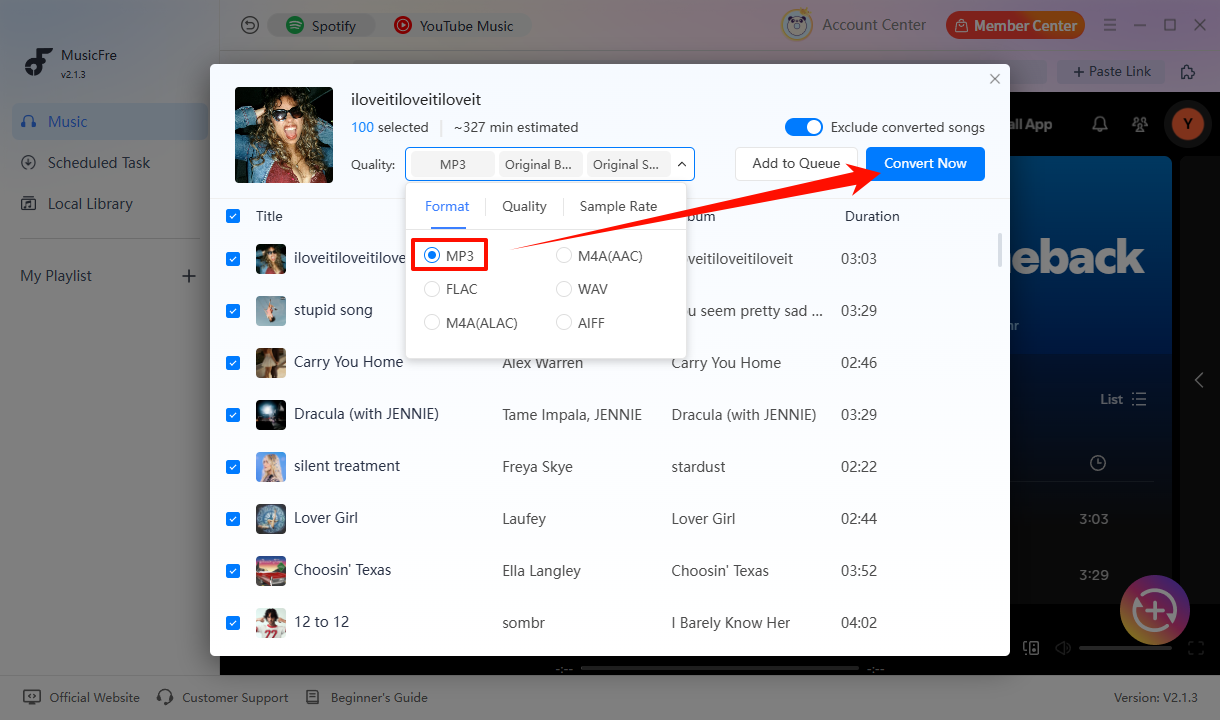
Convert Spotify music to MP3, FLAC, WAV, M4A, AAC, or AIFF to suit your listening, storage, and device needs. Each format offers a different balance of file size, compatibility, and sound quality.

Choose MP3 for everyday playback on phones and car stereos, or select FLAC or WAV when your music player or audio software requires those formats. MusicFre gives you the flexibility to create audio files that work across different devices and playback setups.


Set the Audio Quality Your Way

Set the Audio Quality Your Way

Adjust the output settings to match your listening preferences and storage needs. Choose MP3 at up to 320 kbps for everyday listening, or save Spotify music as FLAC or WAV to avoid additional lossy compression in the output.

Fine-tune the bitrate and sample rate before converting to get the balance of sound quality and file size that works for you. Final audio quality depends on the source and your selected settings.

Less Waiting, More Music with Faster Batch Conversion

Process Entire Playlists in One Go

Process Entire Playlists in One Go

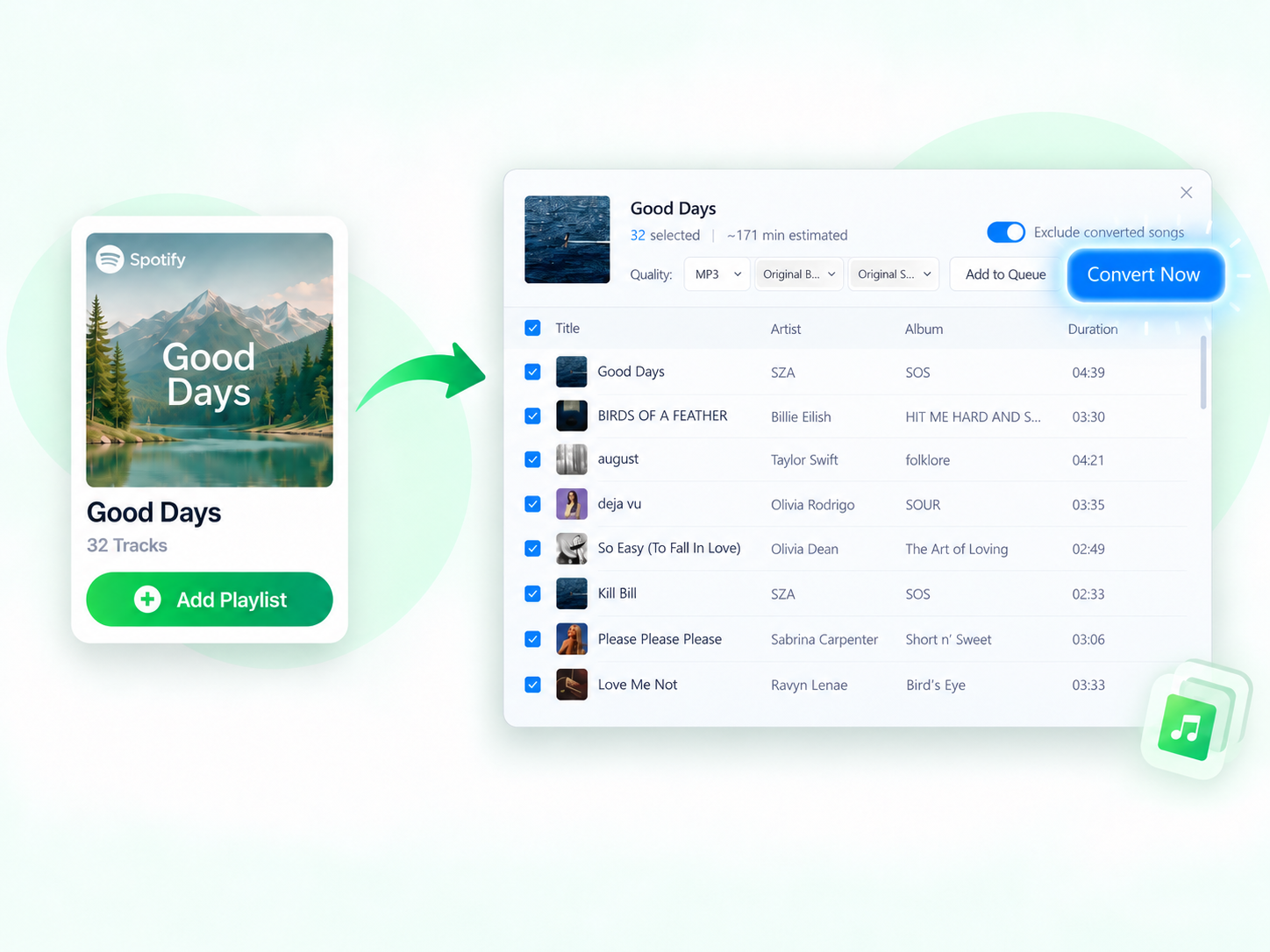
Add an entire Spotify playlist or album to MusicFre and process multiple tracks at once. Skip the hassle of adding songs one by one and handle larger music collections with fewer steps.

Whether you’re saving a playlist for a trip or organizing your favorite albums, MusicFre helps you manage your Spotify collection in one streamlined workflow. Keep your favorite tracks together and build your local music library without going through each song separately.

Complete More Songs in Less Time

Complete More Songs in Less Time

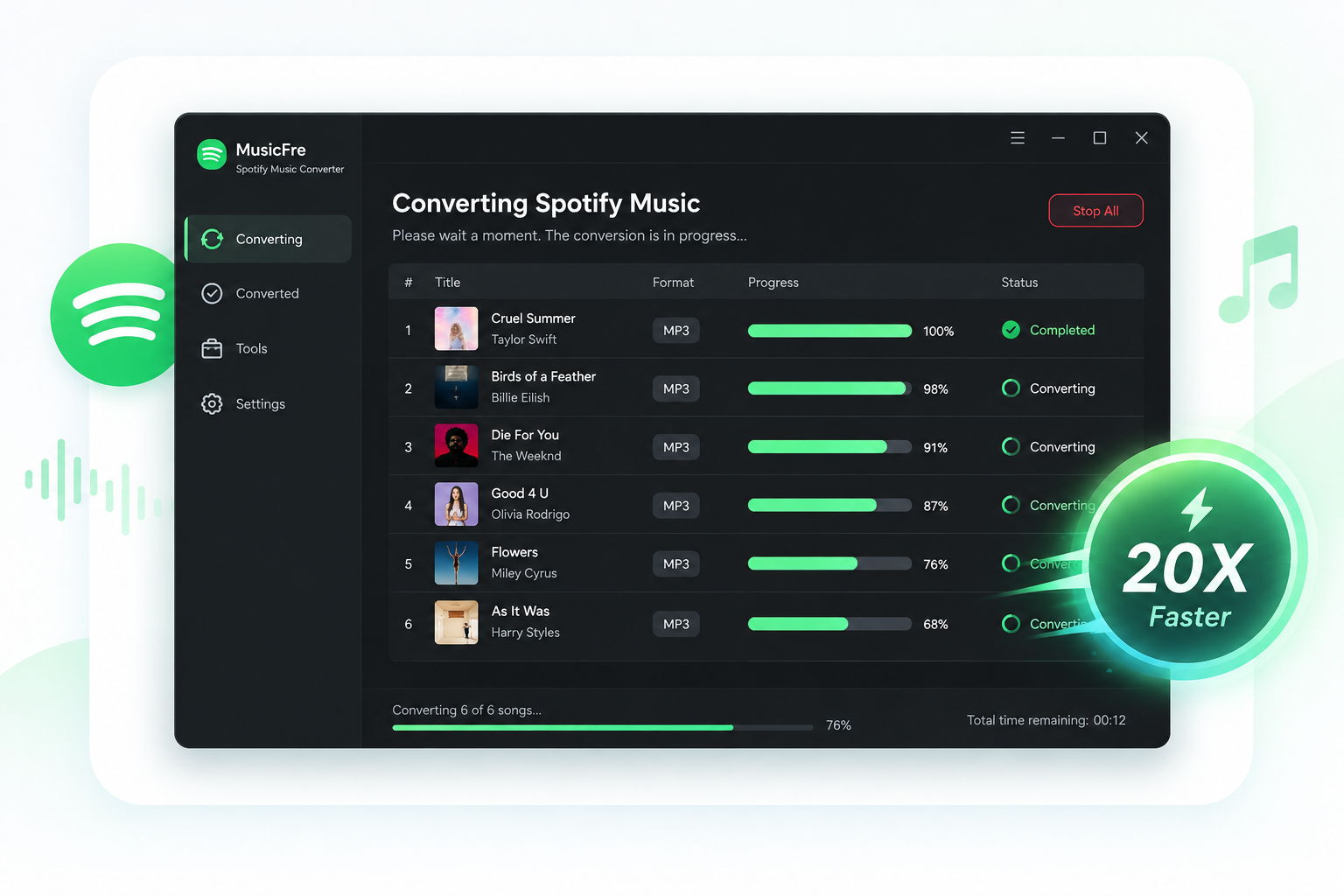
MusicFre converts Spotify tracks at up to 20X speed, helping you complete each batch quickly and efficiently. From a handful of songs to an extensive library, faster performance keeps the conversion process moving smoothly.

Built for speed, MusicFre delivers a responsive experience from start to finish. Once your files are ready, you can move straight to listening or using them with your preferred music player and device.

Organize & Manage Spotify Music with Ease

Keep ID3 Tags & Album Artwork Intact

Keep ID3 Tags & Album Artwork Intact

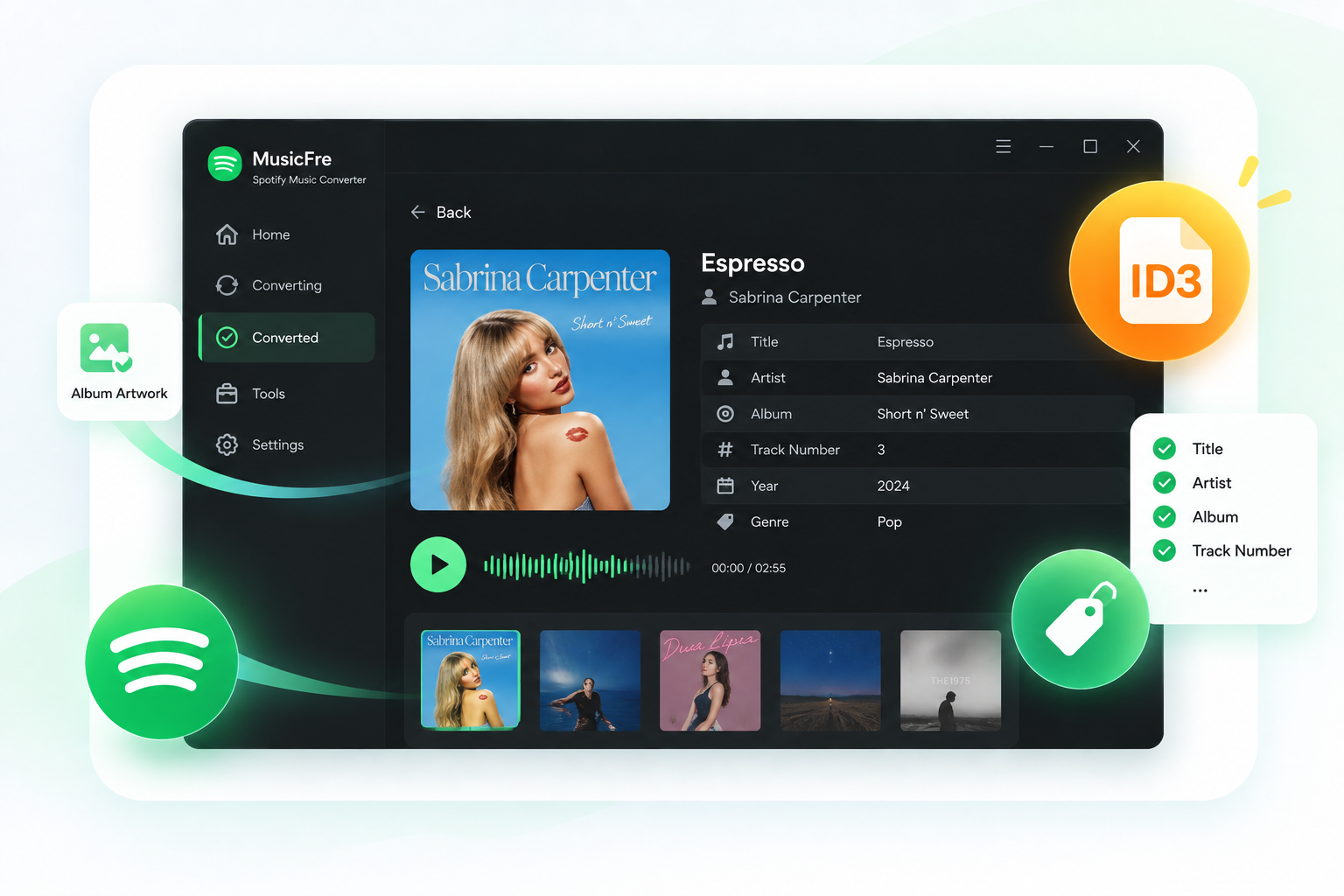
Keep the details that make your music easy to recognize. MusicFre preserves ID3 information, including song titles, artists, albums, and track numbers, along with album artwork.

With these details preserved, you can identify your files at a glance and find the track you want without opening them one by one. Your music stays clearly labeled and easy to navigate as your collection grows.

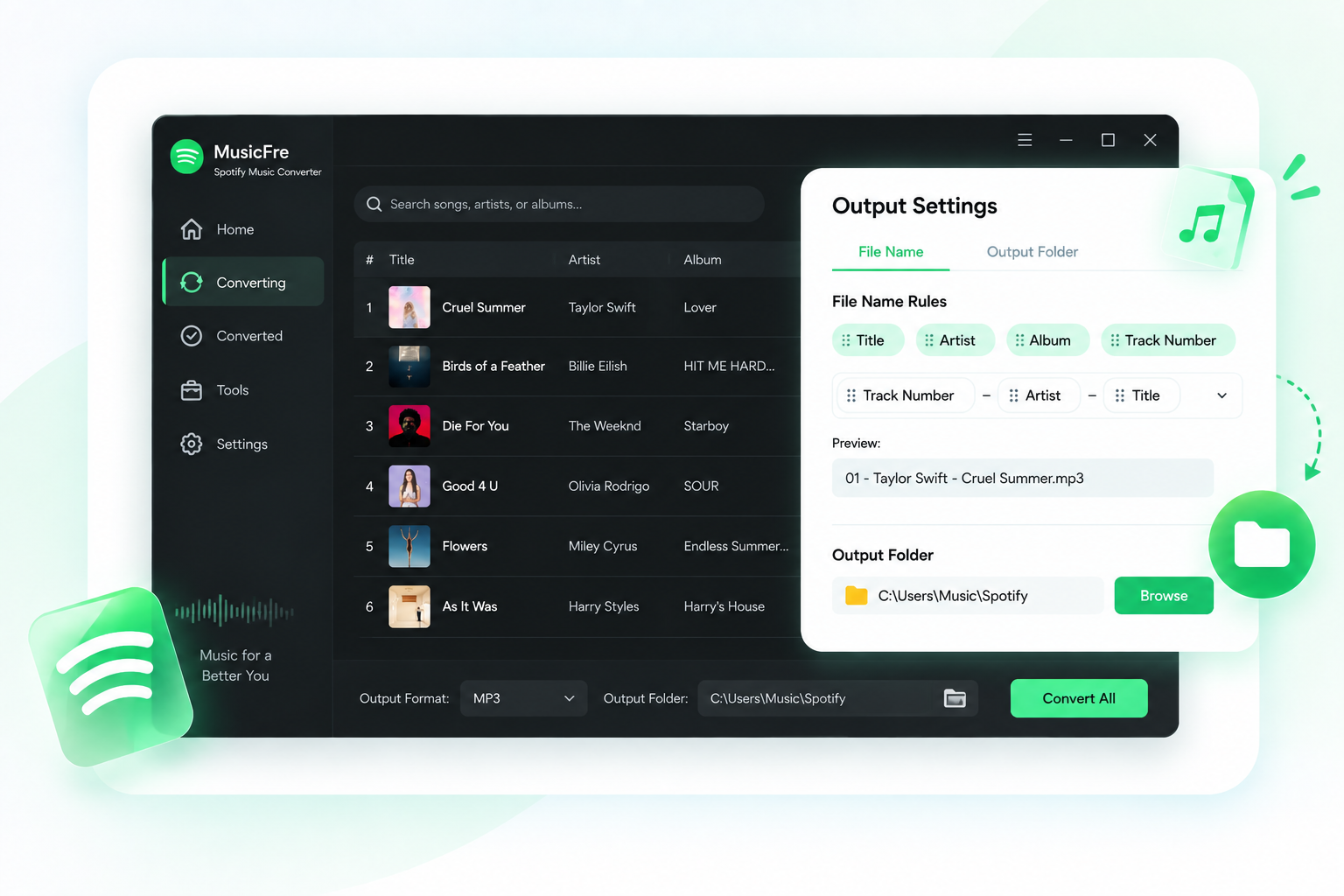
Customize File Names & Output Folders

Customize File Names & Output Folders

Choose how your Spotify files are named and where they are saved. MusicFre supports customizable file naming based on details such as song title, artist, and album, so you can create a consistent naming pattern that works for your library.

Select your preferred output folder before conversion and save new files exactly where you want them. With consistent names and a designated save location, your Spotify music files are easier to find, back up, and transfer.

Your Music, Ready for Life Beyond Streaming

No Signal? Your Music Stays With You

No Signal? Your Music Stays With You

Flights, subway rides, and unreliable connections can leave your favorite tracks buffering or unable to play at all. MusicFre saves Spotify content as local audio files, so you can listen anywhere without waiting for a signal or using mobile data.

Unlike Spotify’s subscription-based downloads, MusicFre files are permanently stored on your device, giving you continued access even after your Premium plan ends.

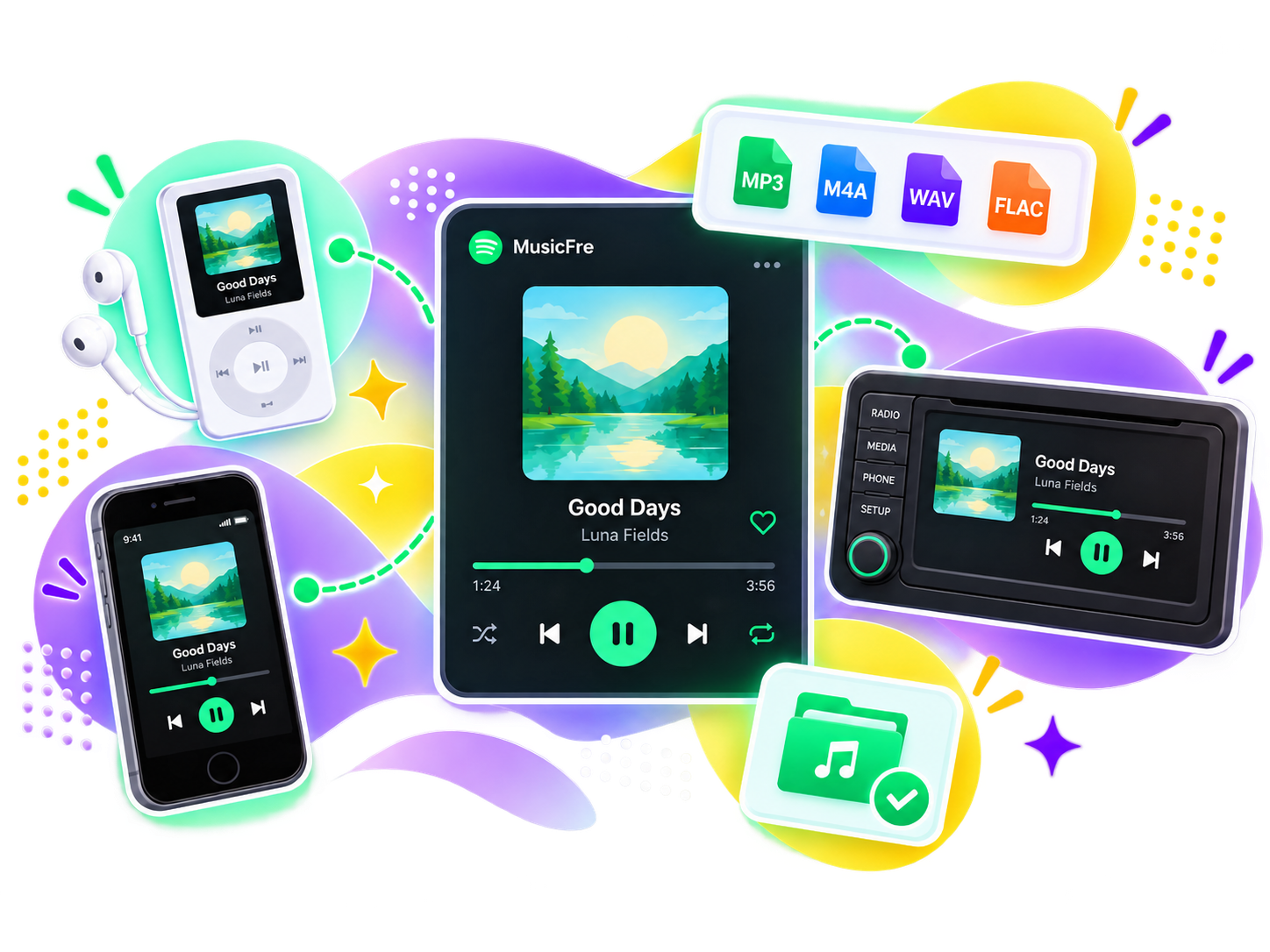
No Spotify App? Your Music Still Works

No Spotify App? Your Music Still Works

Not every device supports Spotify. MusicFre saves your favorite tracks in widely compatible formats, so you can enjoy them on older phones, tablets, MP3 players, car stereos, and more.

Transfer your converted music to a compatible device and play it with the music player you already use. Your music is no longer limited to the Spotify app, giving you more freedom in how and where you listen.

What Makes MusicFre Stand Out

Quick Spotify Link Analysis

Quick Spotify Link Analysis

Paste a Spotify song, album, or playlist link to quickly analyze its content in MusicFre.

Resume Interrupted Downloads

Resume Interrupted Downloads

Pick up unfinished downloads after a connection interruption without restarting the entire playlist.

Multilingual Interface

Multilingual Interface

Choose your preferred language, including English, Spanish, French, Italian, and more.

99% Success Rate

99% Success Rate

Count on reliable conversion for your Spotify favorites, with a 99% success rate across our tested tracks.

100% Clean & Safe

100% Clean & Safe

Install MusicFre without bundled software or unwanted plugins for a clean, straightforward setup.

Free Software Updates

Free Software Updates

Keep MusicFre running smoothly with free updates that improve compatibility, fix issues, and refine features.

3-Song Free Trial

3-Song Free Trial

Try up to 3 free song conversions to explore the quality and workflow before you buy.

30-Day Refund Guarantee

30-Day Refund Guarantee

Purchase with confidence, backed by a 30-day money-back guarantee under our refund policy.

24/7 Customer Support

24/7 Customer Support

Get help with installation, conversion and account questions from our support team, any time you need it.

Compare Your Spotify Download Options

Feature MusicFre Spotify Music Converter Spotify Premium Downloads Online Spotify Downloaders
Spotify Account Free & Premium supported Premium required for music downloads Often no login needed
Offline Playback Play on compatible players & devices Spotify app only Format-dependent compatibility
Ad-Free Experience No in-app ads or pop-ups Ad-free with Premium Higher risk of ads & pop-ups
After Premium Ends Keep playing your converted music Downloads become unavailable Saved files remain playable
Local Audio Files Save to your chosen folder Locked inside the Spotify app Stored in the default folder
Batch Processing Convert multiple tracks at once Batch downloads within Spotify Often limited to single tracks
Output Settings Customize format, bitrate & sample rate Download quality selection only Few adjustable settings
Conversion Queue Track conversion progress in real time Not available Typically no task overview
Technical Support Dedicated help with MusicFre Official Spotify support Often self-service only

How to Convert Spotify to MP3 with MusicFre

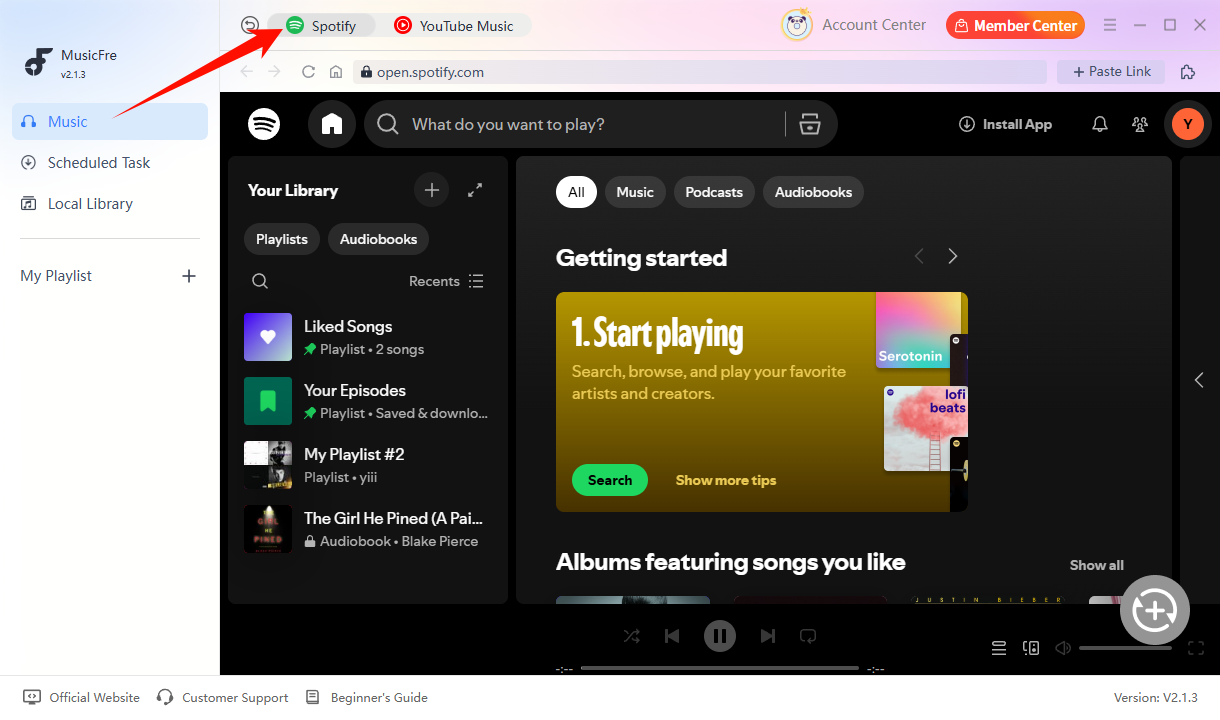
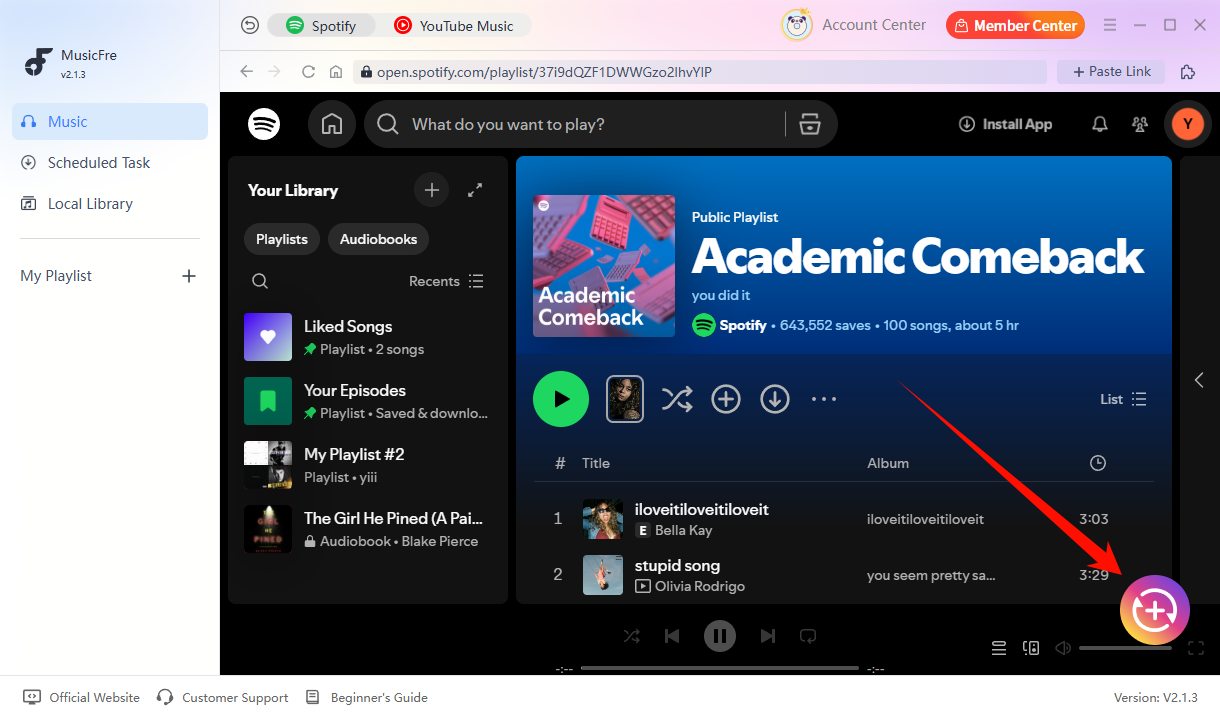
Add Spotify Music

What Users Say About MusicFre

"What impressed me most about MusicFre was how simple everything was. I could convert entire playlists much faster than I expected, and I didn’t have to spend time figuring out complicated settings."

Michael Thompson Michael Thompson

Trusted by Tech Experts

Question and answer icon Frequently Asked Questions

MusicFre is designed to provide a clean experience without bundled software or unwanted plugins. Always download it from the official MusicFre website to get the genuine installer.

System Requirements

Windows 11/10/8/7
macOS 10.15 or later

Plans & Pricing

  • Monthly $23.95
  • Annual $69.95
  • Lifetime $89.95

Supported Formats

MP3, FLAC, WAV
M4A, AAC, AIFF

User Ratings

4.5/5

Your Spotify Favorites, Ready to Go

Turn Spotify music into MP3, FLAC, WAV, and more with MusicFre. Save your music locally and enjoy it offline wherever you go.

MusicFre Spotify Music Converter